Check-in and badges
Start your event with a warm welcome
A QR code to show, a badge to collect, a conversation ready to begin. AppE20 guides guests through check-in and keeps attendance up to date while your team focuses on the welcome.
- Check-in by QR code scan or list search
- Badge with your logos, printed on their own
- Stand and Desk stations, also for rental
- Attendance and exits in real time
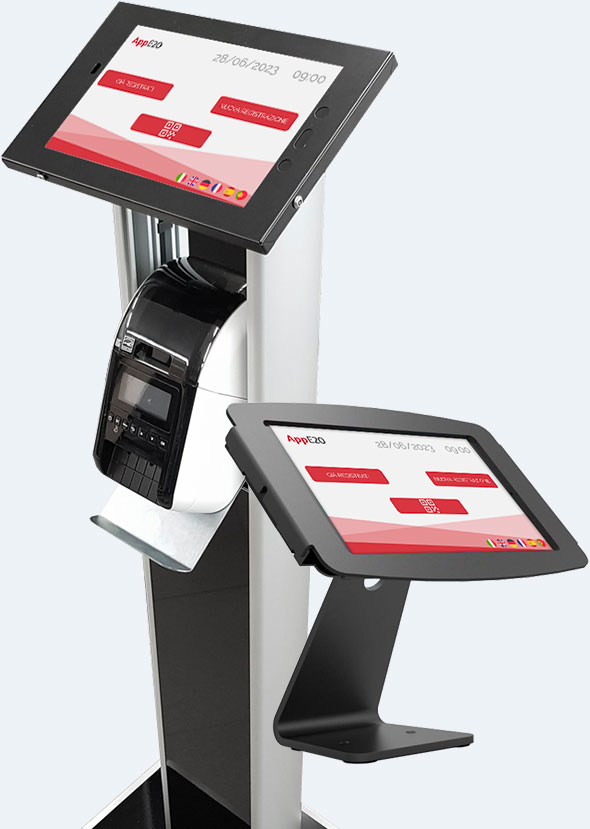
Stand and Desk stations
Give your welcome a place of its own
The floor-standing Stand and tabletop Desk give you two touchscreen formats for your event reception or exhibition stand. The interface features your brand, and stations are also available to hire.
- Simple to use, for visitors and for your staff
- Interface with your company and event logos
- Rental for the whole duration of the event
- Online and offline mode
- Multilingual interface
- Connected stations to manage access to different areas
- Guided participant registration


Check-in and check-out
Know who is there from the first arrival
Check-in records each guest’s attendance. Check-out also tracks departures, keeping your participant overview up to date.
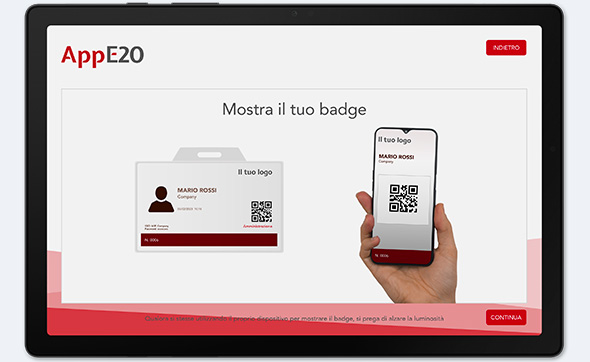
Show the QR code
Invited guests received the QR code in the confirmation email after signing up on the landing page: they show it on their phone and the station scans it.
Find a guest in the list
If they don't have the QR code with them, you find them with the list search. Anyone who isn't registered completes the full registration on the spot, at the same station.
Entry recorded
The list updates in real time, so your team can see who has arrived and who is still expected.

Welcome guests from your phone too
With People Check, the app for Android and iOS, your team scans QR codes and checks arrivals directly on a smartphone.
Custom badge printing
A personal badge, printed on arrival
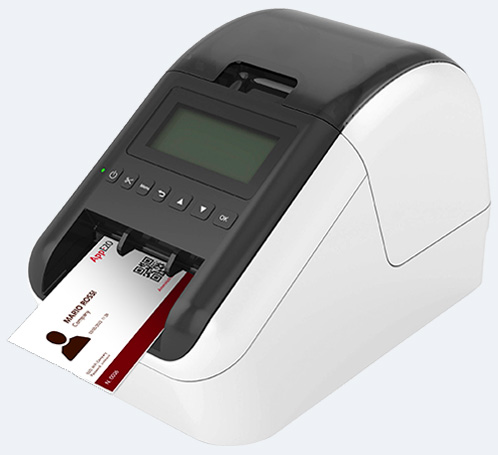
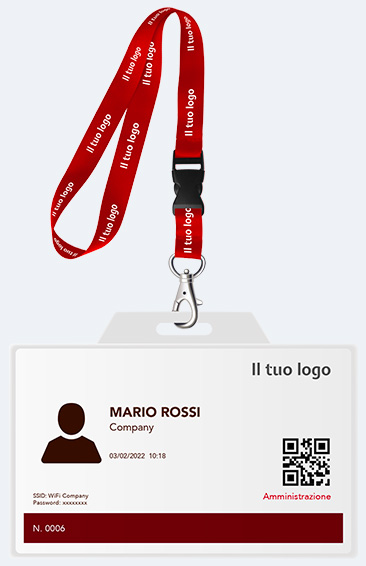
After check-in, visitors collect a freshly printed badge with their name, company and event design. A small detail that helps people recognise each other and start conversations.
- Visitor's personal details
- Your company and event logos
- Branded badge holder
- Visitor type clearly visible
- Queue management by printing a number
- QR code on the badge to access other areas
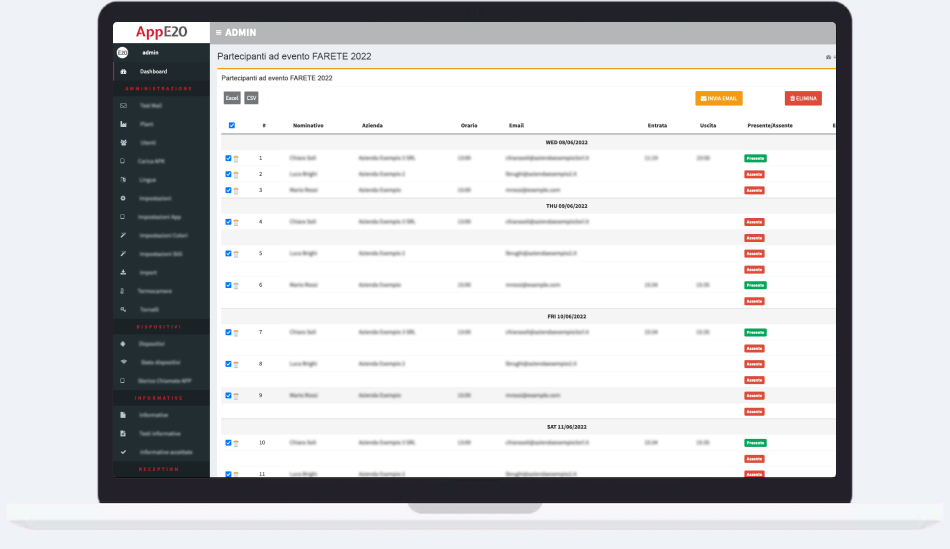
Gates, exit and attendance
Follow attendance, departures and time on site
Recording departures completes your attendance overview. For controlled access, AppE20 can be connected to doors and turnstiles through a dedicated setup.
- System that can be connected to doors or turnstiles: the registered visitor gets in on their own
- Exit tracking for safety reasons
- An up-to-date list of people on site
- Automatic attendance sheet for your company's training courses, with attendance confirmation for certificates
Conferences, open days and stand events
A thoughtful experience, from invitation to farewell
Every event is a chance to introduce your company. Bring registration, check-in and follow-up together in an experience that reflects your brand.
Before
Registration landing page with your brand: you collect sign-ups online and send the email with the event details and the QR code for entry.
At the entrance
QR check-in from your staff's phones with People Check, or from the station with the badge printed on the spot.
After
Attendance sheet, attendance confirmation for certificates, satisfaction survey and data ready for follow-up communications.
Frequently asked questions
Plan your guest welcome
When is the badge printed?
What about people who turn up without signing up?
How do the app and stations work together?
Can we use several stations and manage several areas?
Demo
Welcome guests to your next event
See AppE20 in action, from the guest’s arrival to their personalised badge and your attendance overview.


